Confirming the reunion
What this is for
Your pet is home. This page shows you how to close the rescue, so the alert stops and everyone knows the outcome.
While you are on your way
Your pet's screen shows the rescue in progress, with a tracker showing how far along it is.
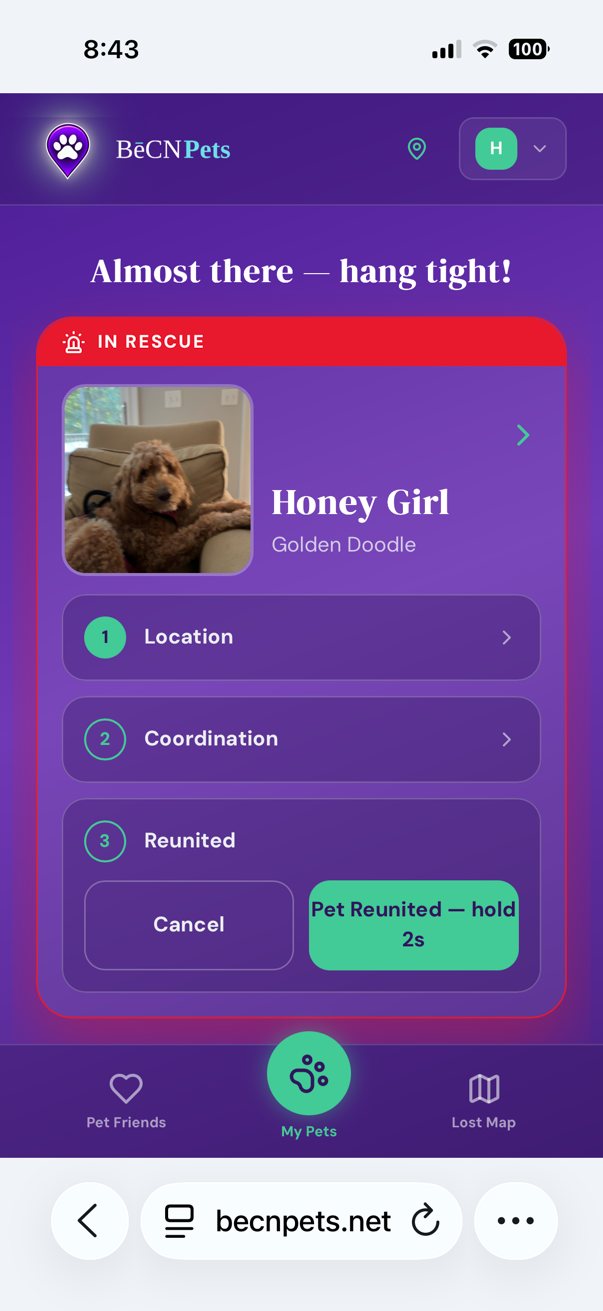
When your pet is safely with you
Press and hold "Pet Reunited — hold 2s".
Hold it for the full two seconds. This is deliberate — it stops the rescue being closed by an accidental tap.
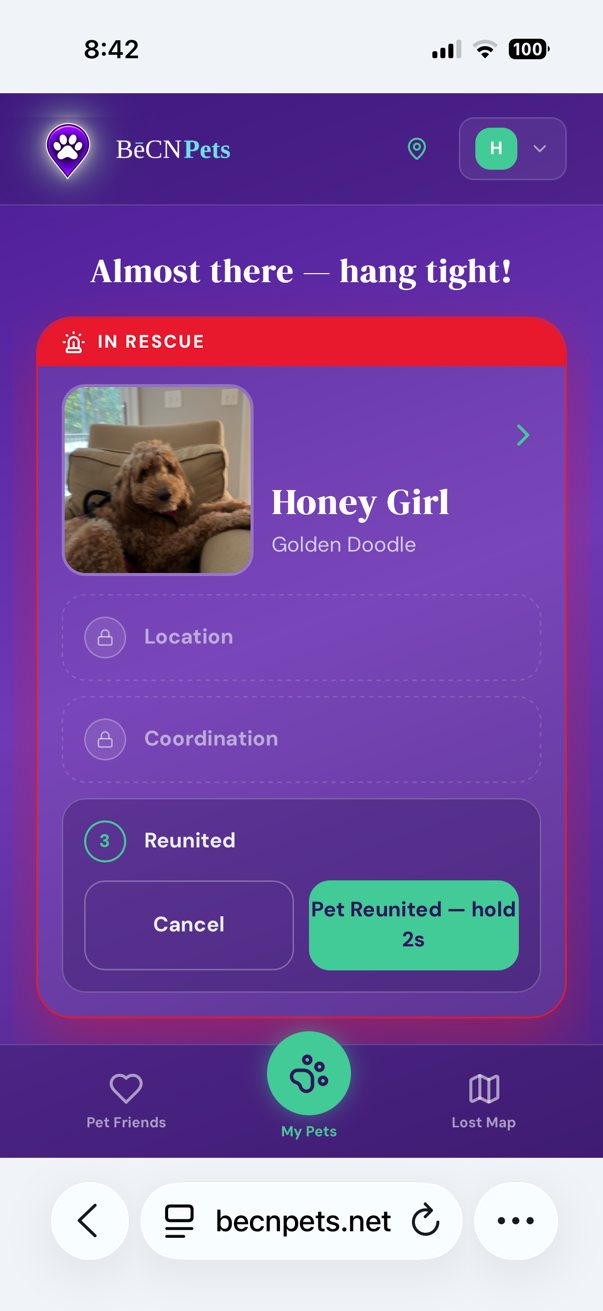
The rescue is closed
Everyone who helped is thanked, and the alert is removed from the Lost Pet Map. You receive a confirmation email.

What happens next
Nothing further is required. Your pet's screen returns to normal, and their Passport stays exactly as it was.
If your pet goes missing again, you can start a new rescue the same way.
Related pages
Still need help? Email support@becnpets.com or visit becnpets.com/support. We're a small team and we're glad to help.
Most questions are answered in the frequently asked questions.