What you'll see while the alert is live
What this is for
Once your pet is marked lost, their screen changes. This page explains what you are looking at, so you are not left guessing.
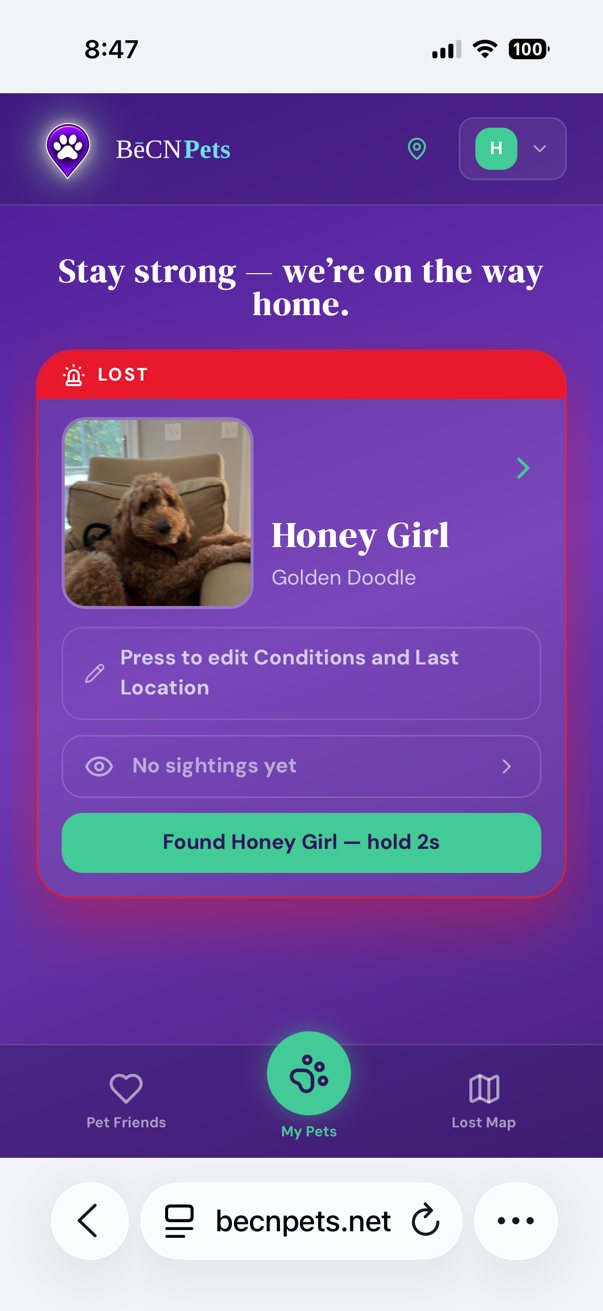
1 — Your pet's status. Your pet's screen shows LOST in red, with a message: "Stay strong — we're on the way home."
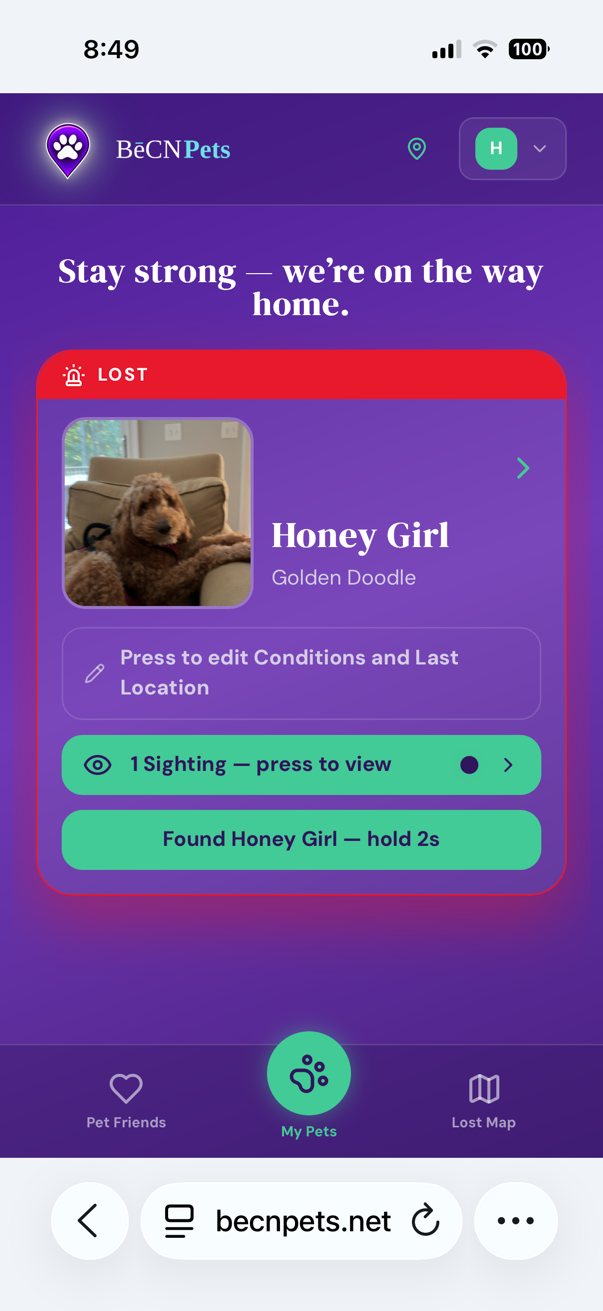
2 — When someone spots your pet. As soon as anyone shares a sighting, it appears here. You will see 1 Sighting — press to view.
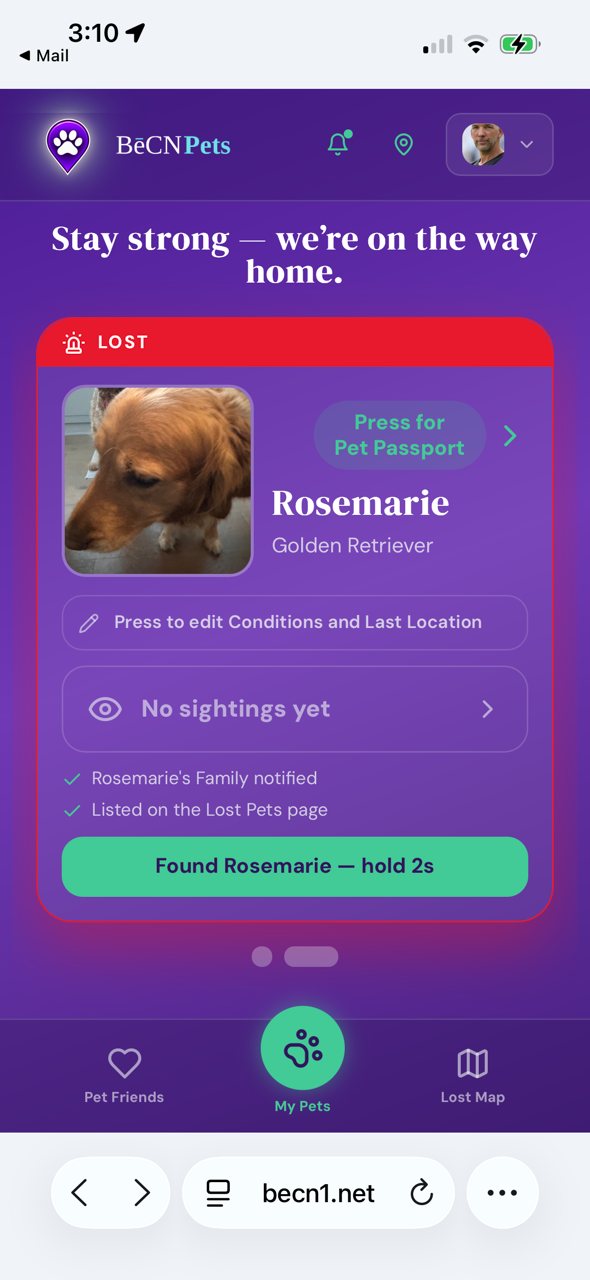
3 — If nothing has come in yet. No sightings yet does not mean no one is looking. It means no one has reported one yet. The alert stays active until you close it.
While you wait
Keep your phone with you. Sightings and messages arrive in the app.
Check the Lost Pet Map. You can see your pet's alert alongside others in your area.
You do not need to do anything else. The alert is live. Help is spreading.
What happens next
When someone finds your pet, you will be able to message them directly. Coordinating with the finder →
Related pages
Still need help? Email support@becnpets.com or visit becnpets.com/support. We're a small team and we're glad to help.
Most questions are answered in the frequently asked questions.