Someone's pet has a BēCN tag
What this is for
Thank you for stopping to help. Here is everything you need to know, in about a minute.
You do not need an app. You do not need an account. You will not be asked for your personal details.
What to do
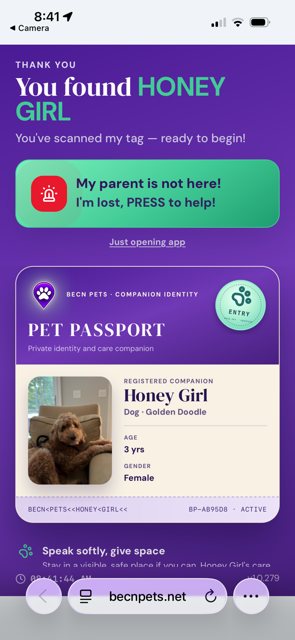
1 — Scan the tag on their collar. Open the camera on your phone and point it at the tag. A web page will open. It works with any smartphone.
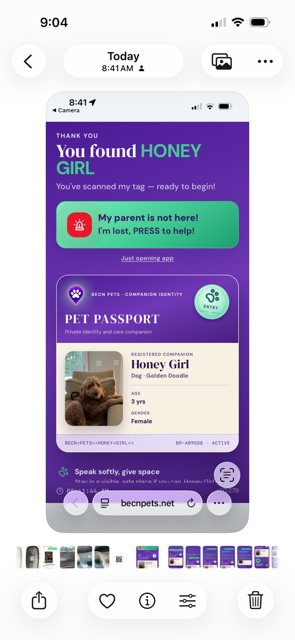
2 — Check that the photo matches. You will see the pet's name, photo, and breed. Make sure they match the animal in front of you.
3 — Tell their family. Tap the green button that says "My parent is not here! I'm lost." Then share your location, so the family can see where you are.
4 — Stay with the pet if you can. Keep them safe and calm. Their family is on the way.
If the tag will not scan
Try moving closer, and hold the phone steady. If it is dark, move somewhere brighter.
If it still will not scan, the tag may be damaged. Look for a web address printed on the tag and type it into your browser instead.
What happens next
Still need help? Email support@becnpets.com or visit becnpets.com/support. We're a small team and we're glad to help.
Most questions are answered in the frequently asked questions.