Telling the family
What this is for
This is the step that brings the pet home. It takes about a minute.
Steps
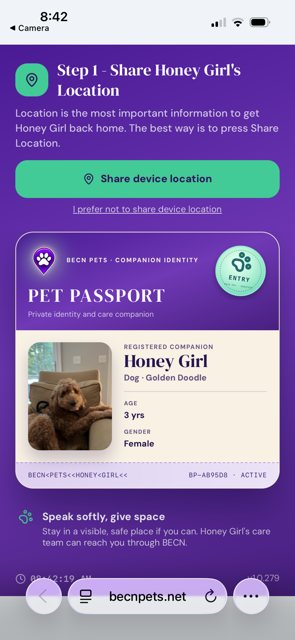
1 — Share your location. Tap Share device location so the family can see where you are. If you would rather not share your exact location, you can tap I prefer not to share device location — you can still send a message and arrange a meeting place.
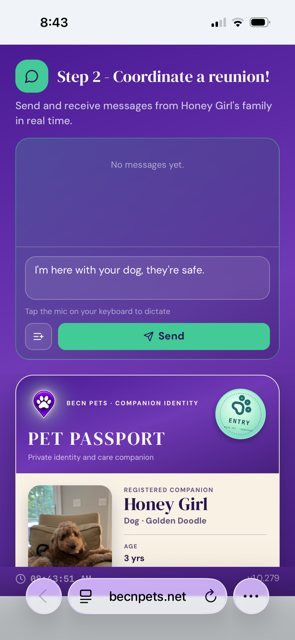
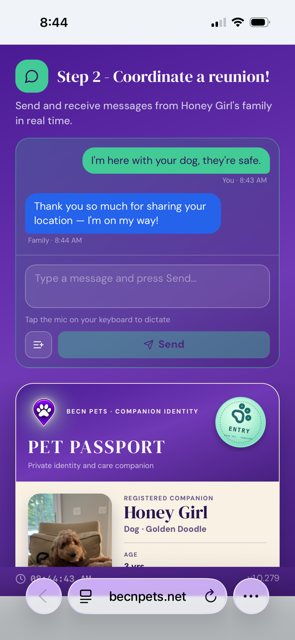
2 — Send a message. Type a message to the family. Tell them where you are and how the pet is doing. Then tap send.
While you wait
Keep the pet safe, calm, and where you are. If it is hot, find shade. If it is cold, find shelter. Do not give them food or water unless the family tells you to.
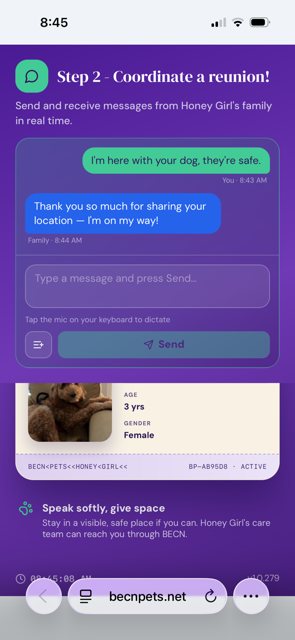
The family can see your message and your location. They are on their way.
What happens next
The family will reply through this same screen, and you can arrange where to meet. When they arrive, you are finished — and you have done a genuinely good thing.
Related pages
Still need help? Email support@becnpets.com or visit becnpets.com/support. We're a small team and we're glad to help.
Most questions are answered in the frequently asked questions.