Your pet's Passport
What this is for
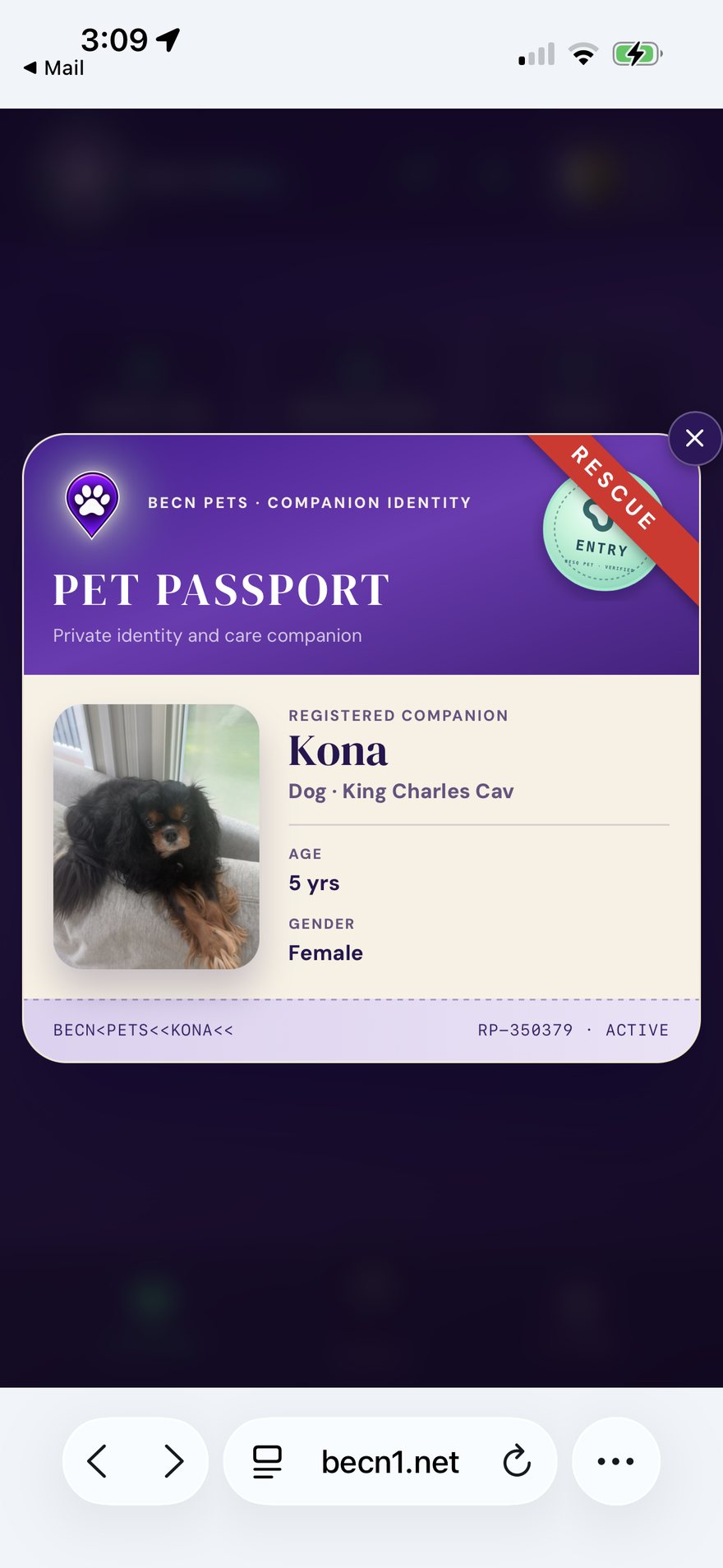
Your pet's Passport is their identity card and their care record in one place. It is what a stranger sees if they scan your pet's tag, and it is where you keep the details that matter.
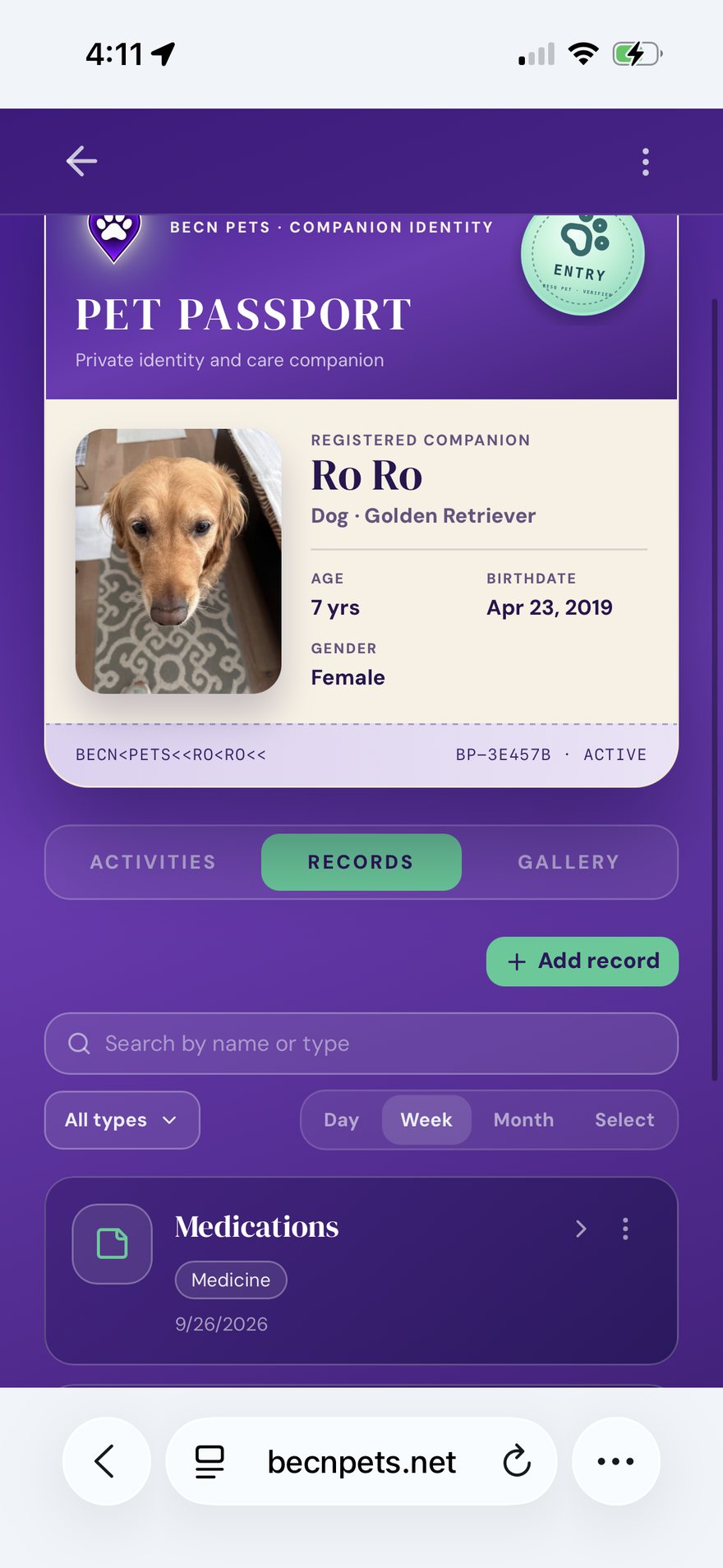
The four tabs
Records — medications, walks, vaccinations, and notes. This is your pet's history.
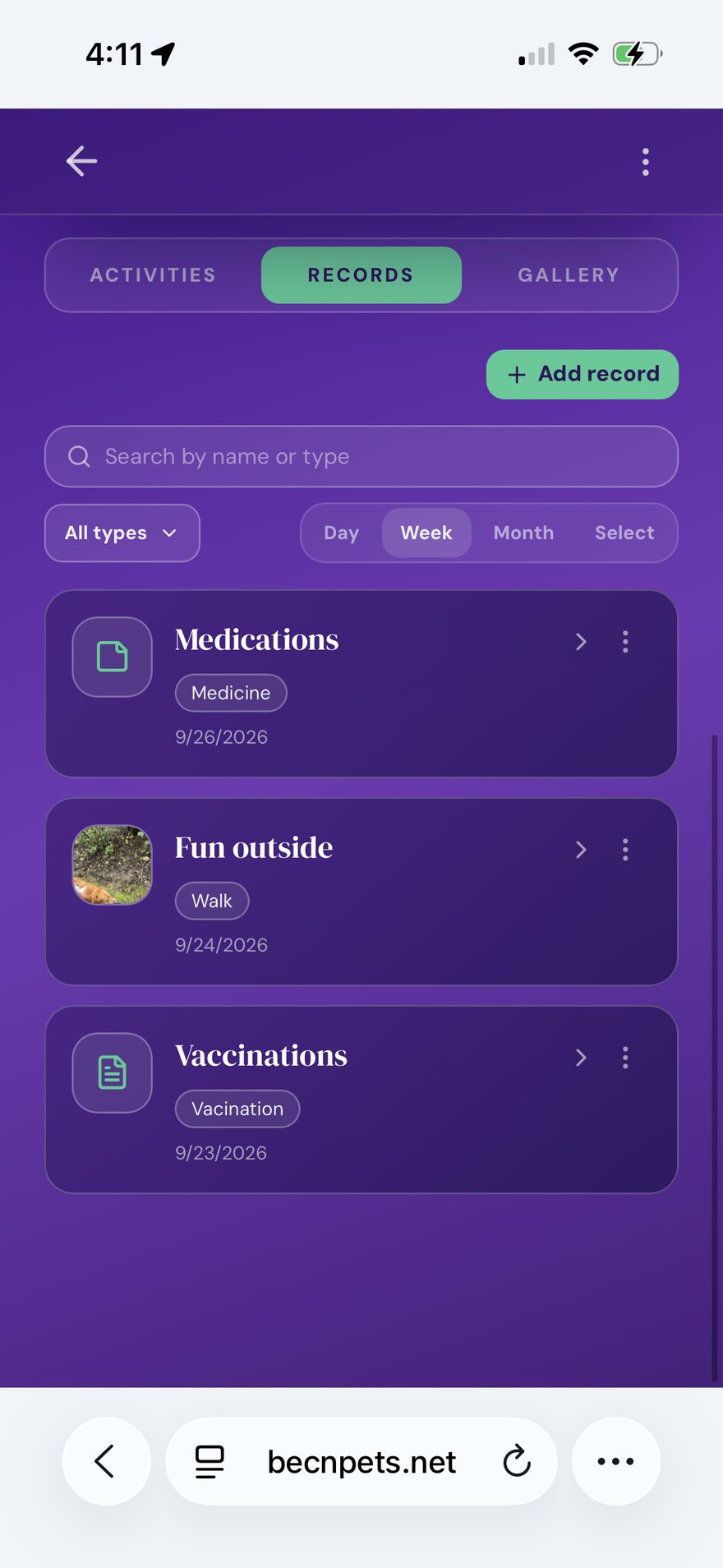
Gallery — your pet's photos.
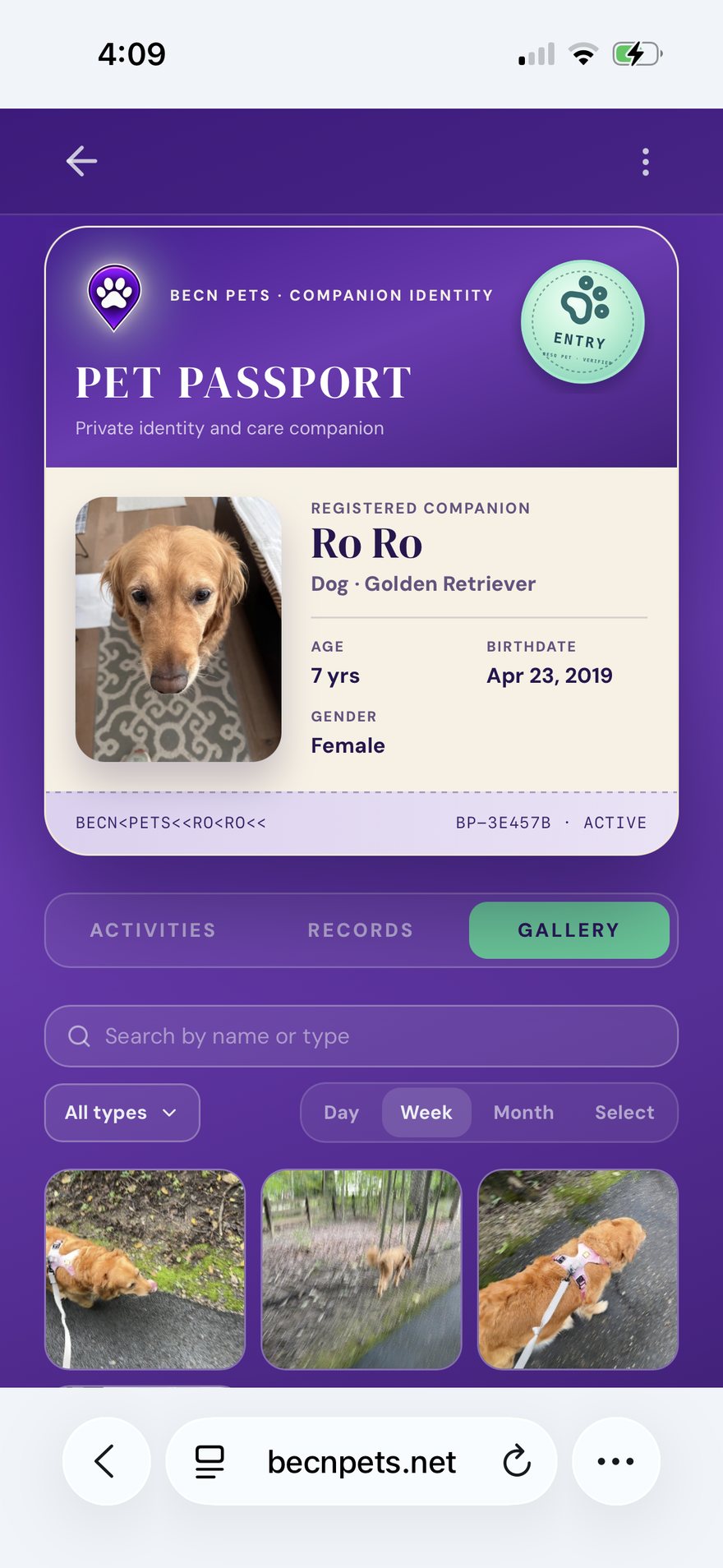
Activities — your pet's daily rhythm, shown as a weekly chart.
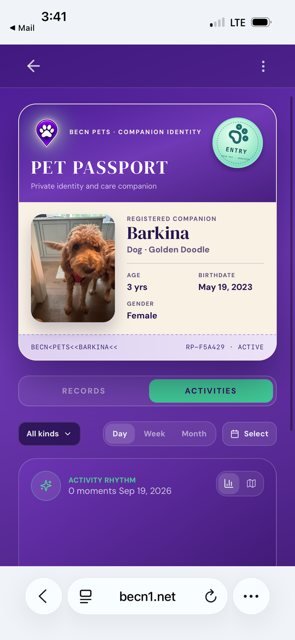
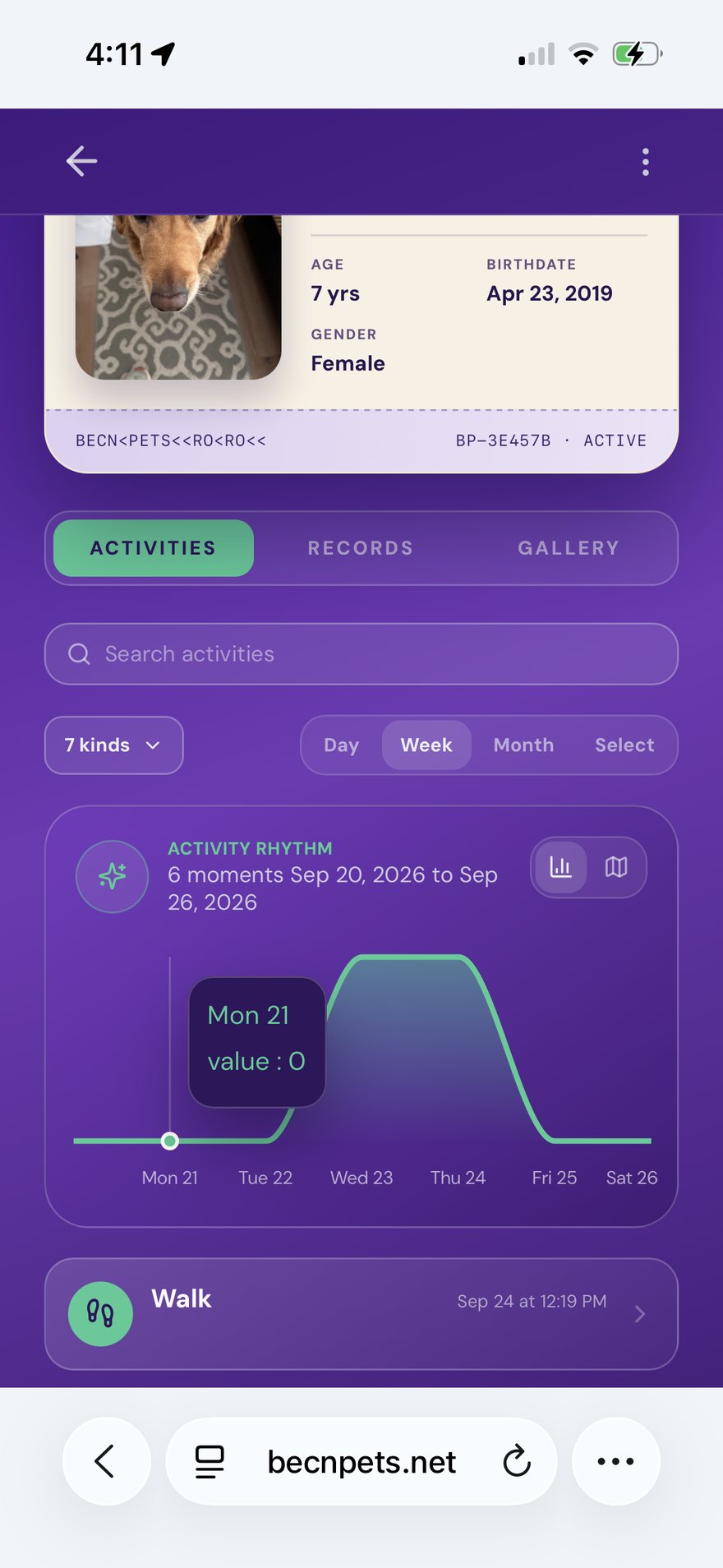
Details — breed, date of birth, and the identification code on the tag.
Adding a record
1 — Open your pet's Passport and tap "Add record".
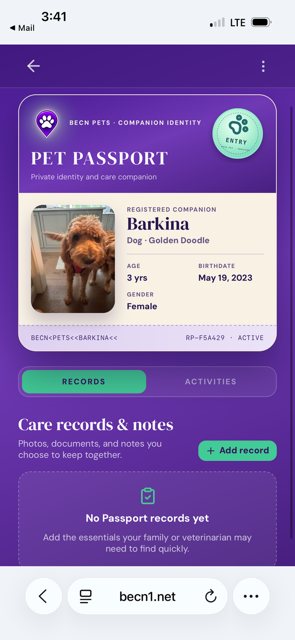
2 — Choose the type and fill in the details. 3 — Tap Save. The record appears in your pet's history straight away.
What a stranger sees
When someone scans your pet's tag, they see your pet's name, photo, and breed — enough to confirm they have the right animal. They do not see your address, your phone number, or your records.
Related pages
Still need help? Email support@becnpets.com or visit becnpets.com/support. We're a small team and we're glad to help.
Most questions are answered in the frequently asked questions.