Inviting a Pet Friend
What this is for
A Pet Friend is someone you trust with your pet's care — a family member, a neighbour, a dog walker, or a friend who looks after your pet when you are away. They can see your pet's details and help if something goes wrong.
You choose who to invite. You can remove anyone at any time.
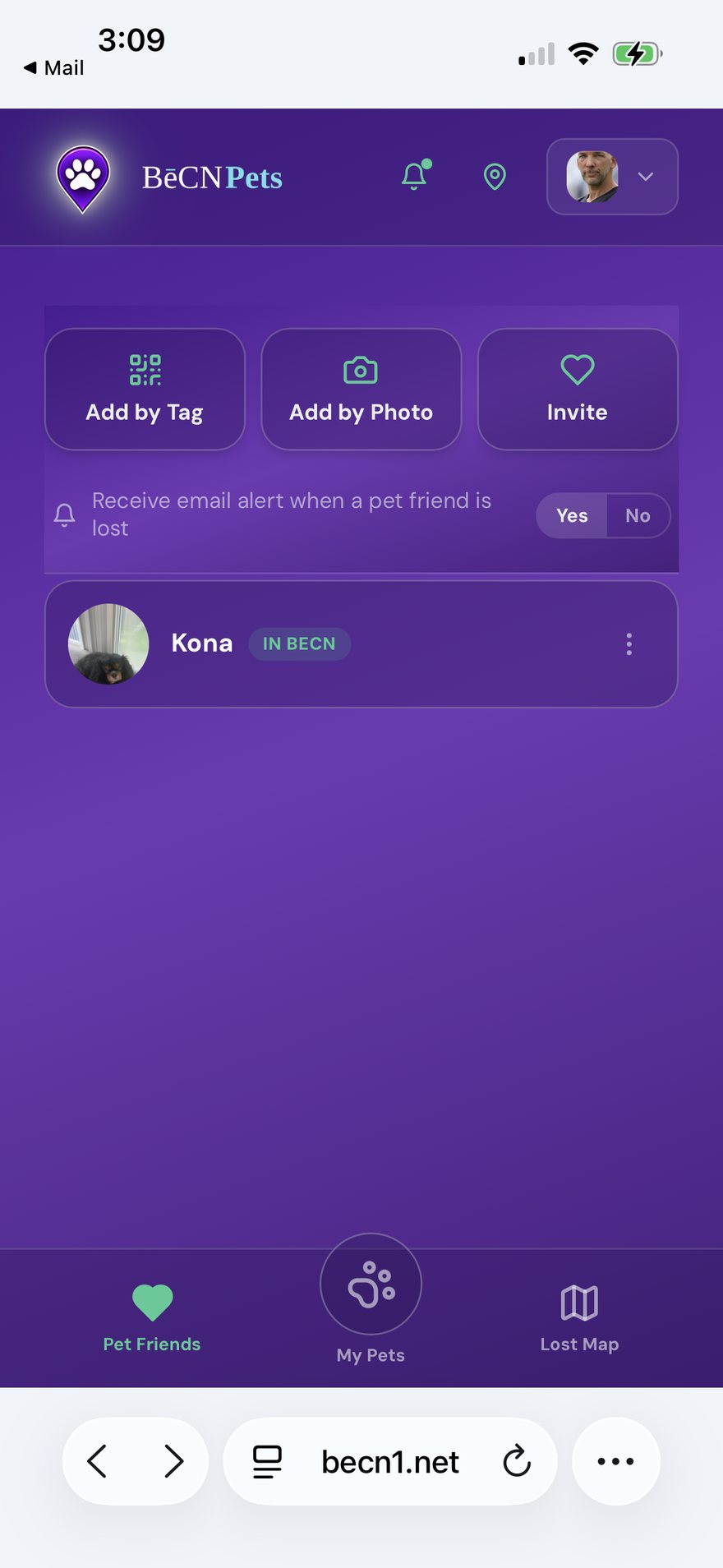
Two ways to invite someone
In person — let them scan your code. Tap Invite a Pet Friend, then let the person scan the code on your screen with their own phone.
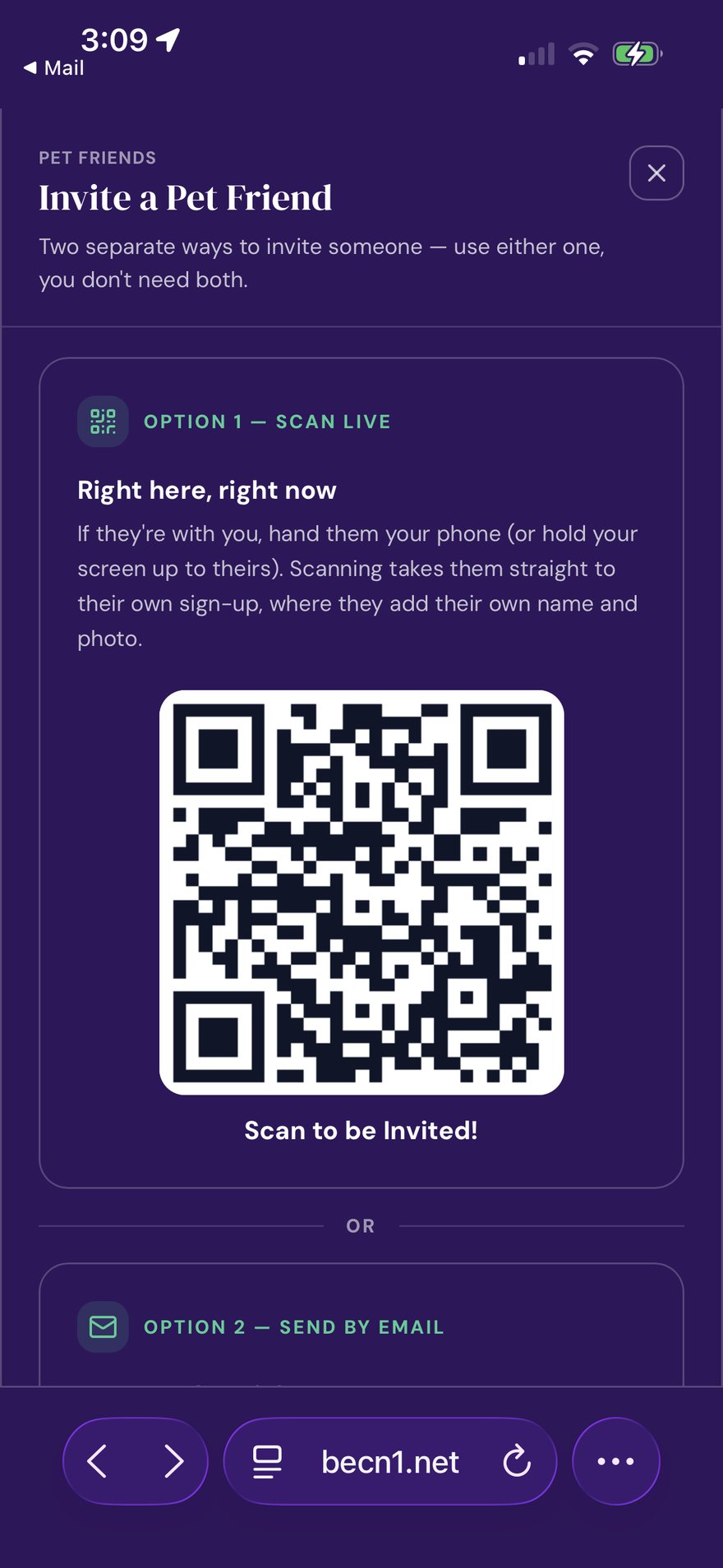
This is your invite code, not your pet's tag. Your pet's tag is on your pet's collar and anyone can scan it. This code is private — share it only with people you choose.
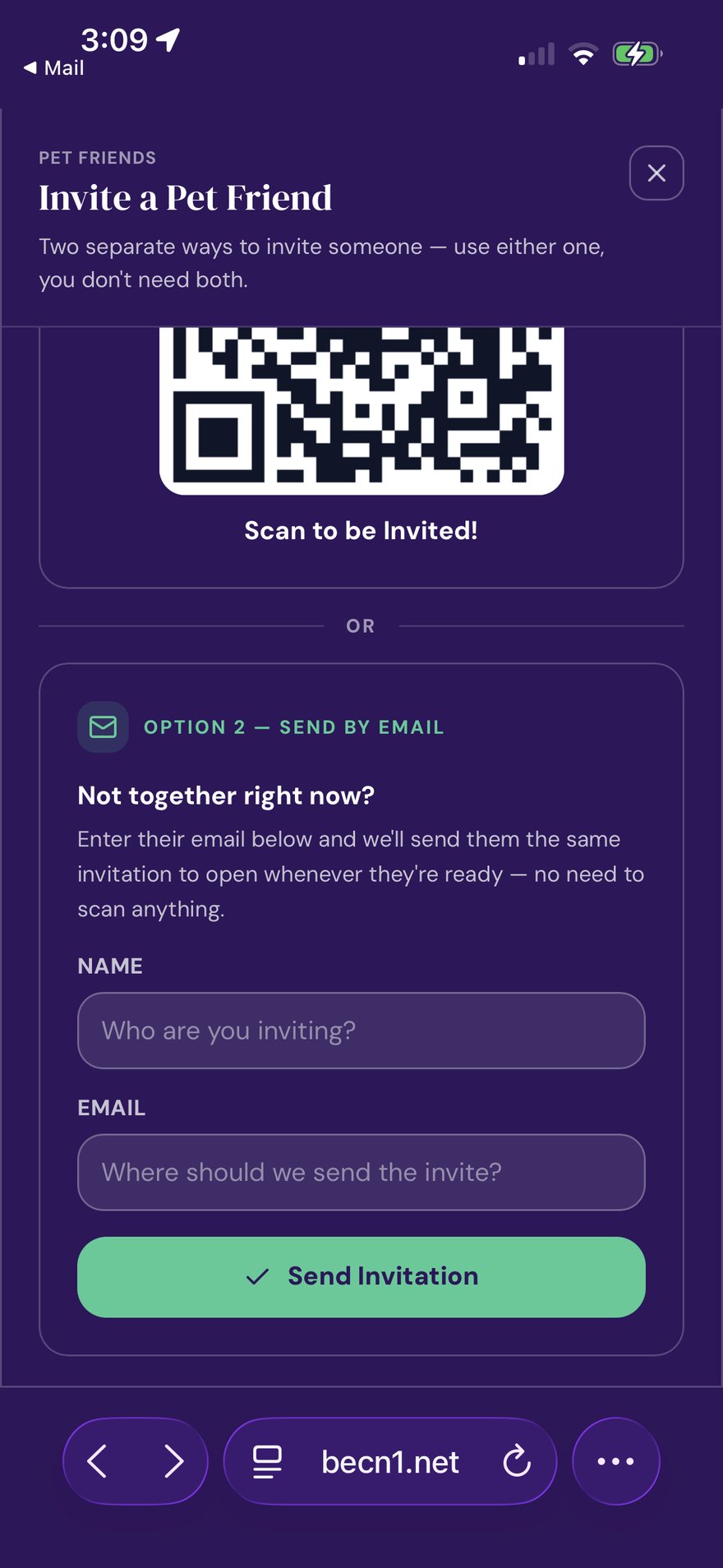
From a distance — send an email. Type their email address and tap Send Invitation. They will receive a link.
About lost-pet email alerts
On this screen there is also a switch for lost-pet email alerts. Turn it on and we will email you if a pet is reported missing near you. Turn it off and you will only see alerts when you open the app.
Related pages
Still need help? Email support@becnpets.com or visit becnpets.com/support. We're a small team and we're glad to help.
Most questions are answered in the frequently asked questions.