The three QR codes — which is which
What this is for
There are three QR codes in the BēCN Pets system. They look similar but they do completely different things. This page tells you which is which.
The three codes
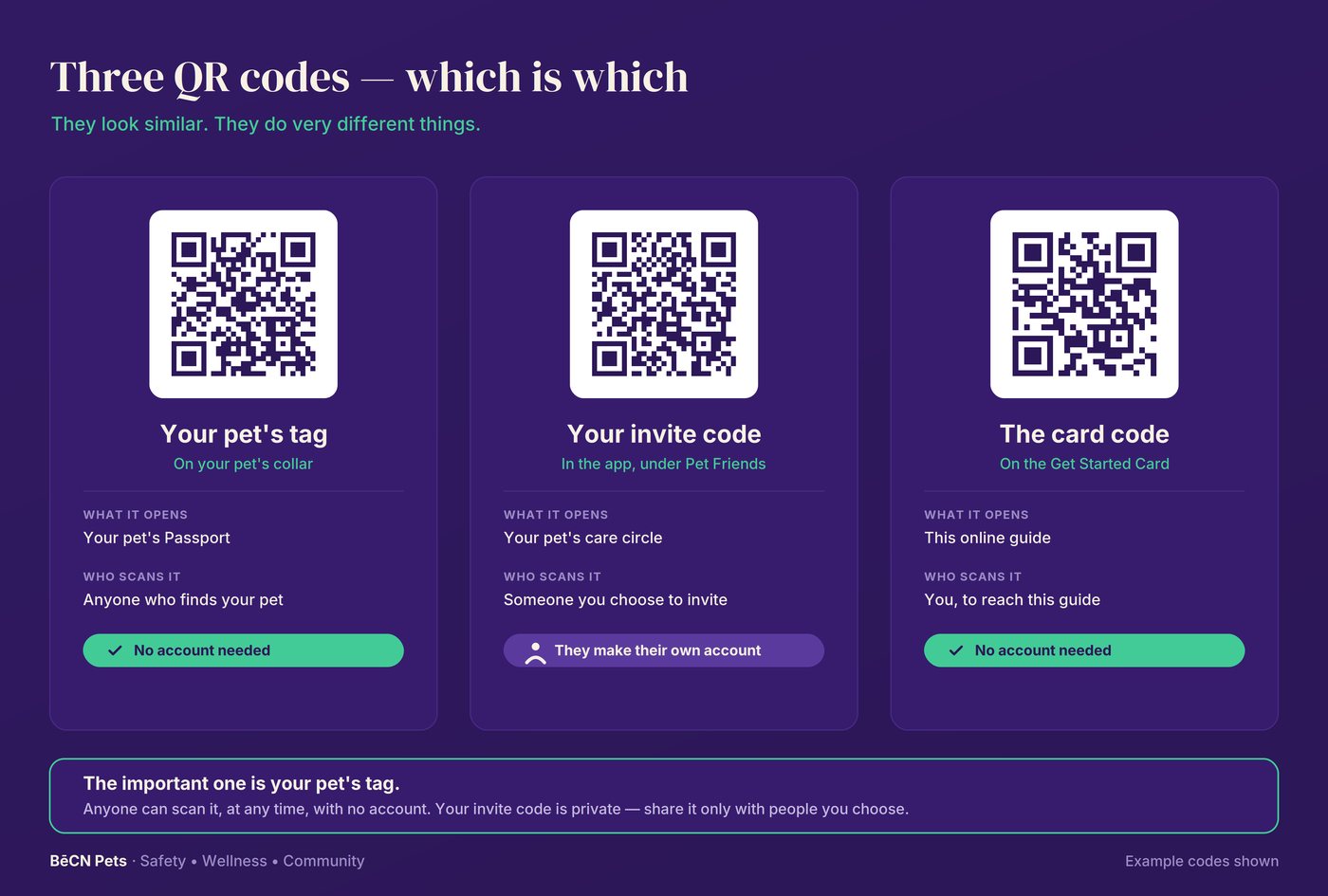
[Illustration — BECN_Pets_Illustration_Three_QR_Codes.png]
Alt text: Three QR codes side by side, each with what it opens, who scans it, and whether an account is needed. Your pet's tag — on your pet's collar; opens your pet's Passport; scanned by anyone who finds your pet; no account needed. Your invite code — in the app, under Pet Friends; opens your pet's care circle; scanned by someone you choose to invite, who makes their own account. The card code — on the Get Started Card; opens this online guide; scanned by you; no account needed.
| The code | Where you find it | Who scans it | Do they need an account? |
|---|---|---|---|
| Your pet's tag | On your pet's collar | Anyone who finds your pet | No |
| Your invite code | In the app, under Pet Friends | A friend or family member you invite | Yes — they make their own |
| The card code | On the Get Started Card in the box | You, to reach this guide | No |
The plain version
Your pet's tag is the important one. Anyone can scan it, at any time, with no account. It opens your pet's Passport and, if your pet is lost, the rescue flow.
Your invite code is for people you choose. They scan it to connect with your pet's care circle. It is private — share it only with people you trust.
The card code just brings you here.
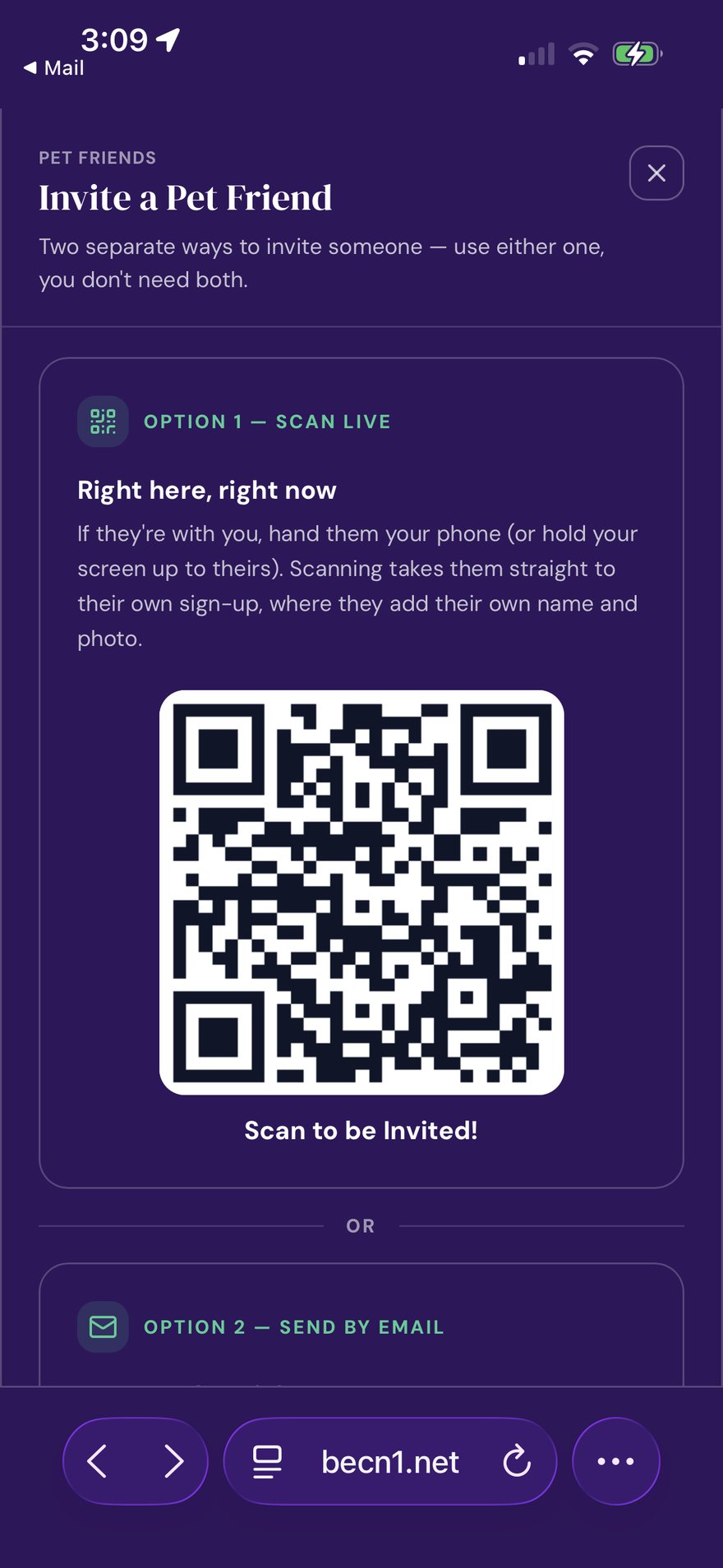
Screenshot: the in-app invite screen, showing the invite QR.
Related pages
Still need help? Email support@becnpets.com or visit becnpets.com/support. We're a small team and we're glad to help.
Most questions are answered in the frequently asked questions.