Signing in again later
What this is for
BēCN Pets does not use passwords. Every time you sign in, we email you a link. This page walks through it once, so it feels familiar afterwards.
Steps
1 — Open the app and enter your email. Go to becnpets.net and type the email address you signed up with.
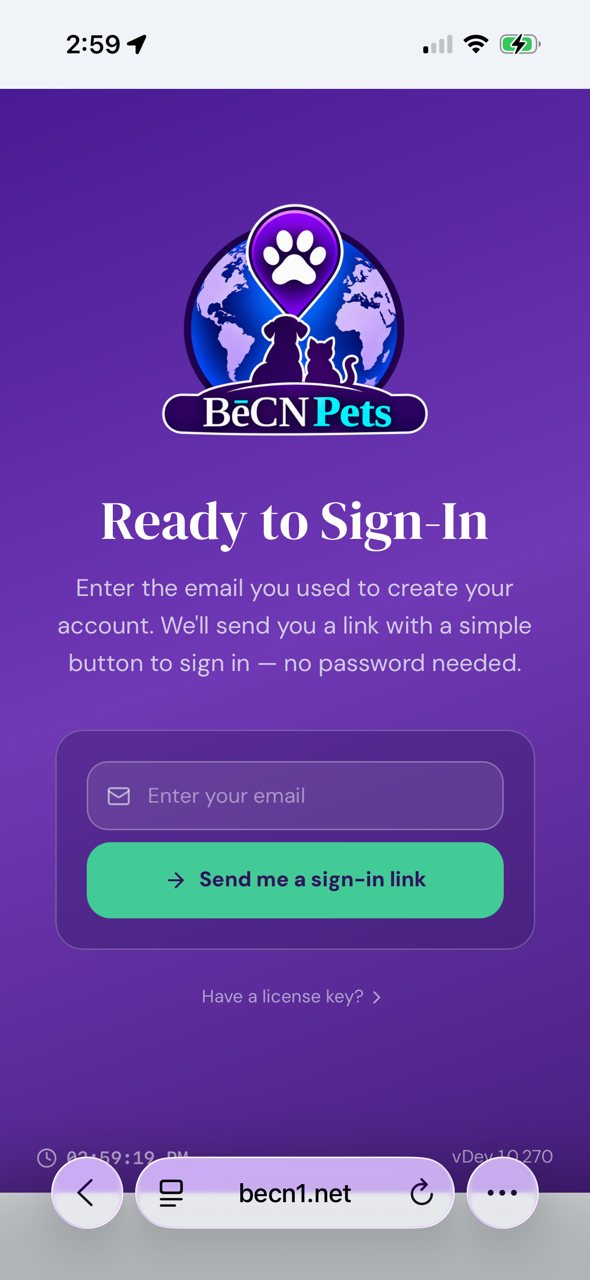
2 — Tap "Send me a sign-in link".
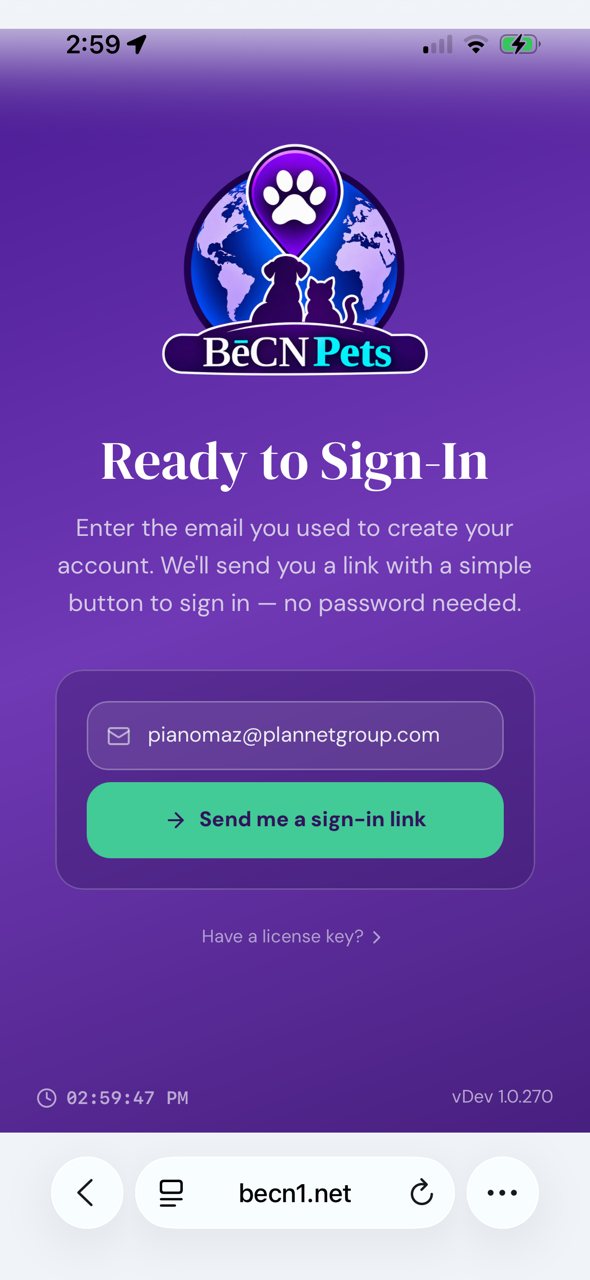
3 — Check your email. The link works for 15 minutes.
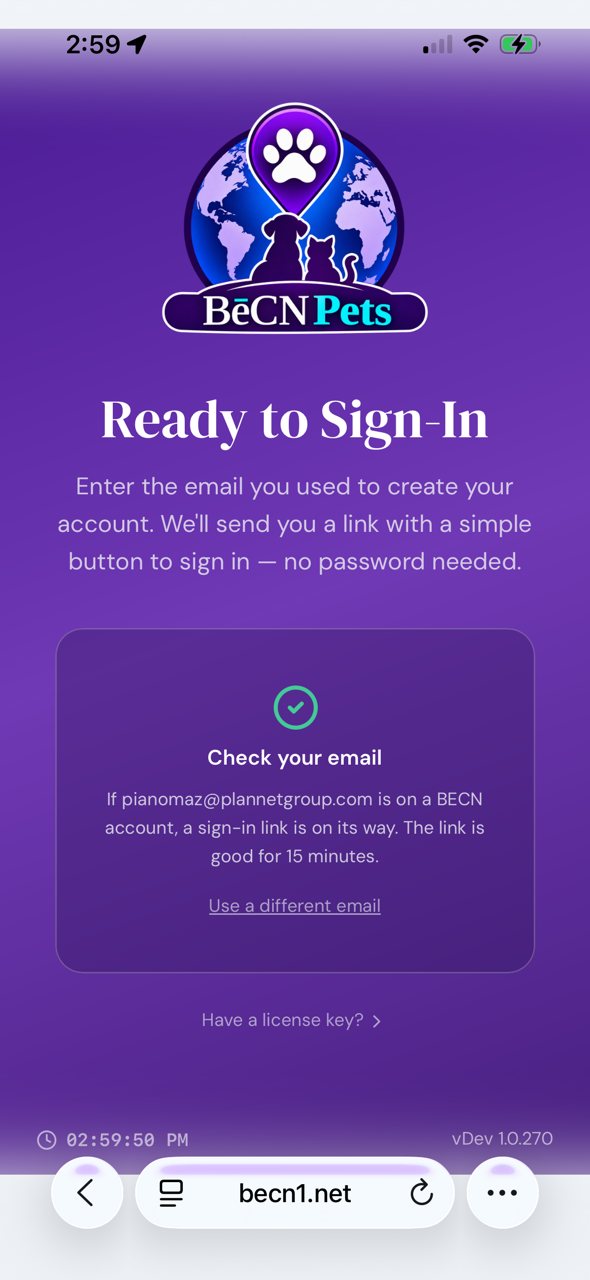
4 — Typed the wrong address? Tap Use a different email and start again. Nothing is lost.
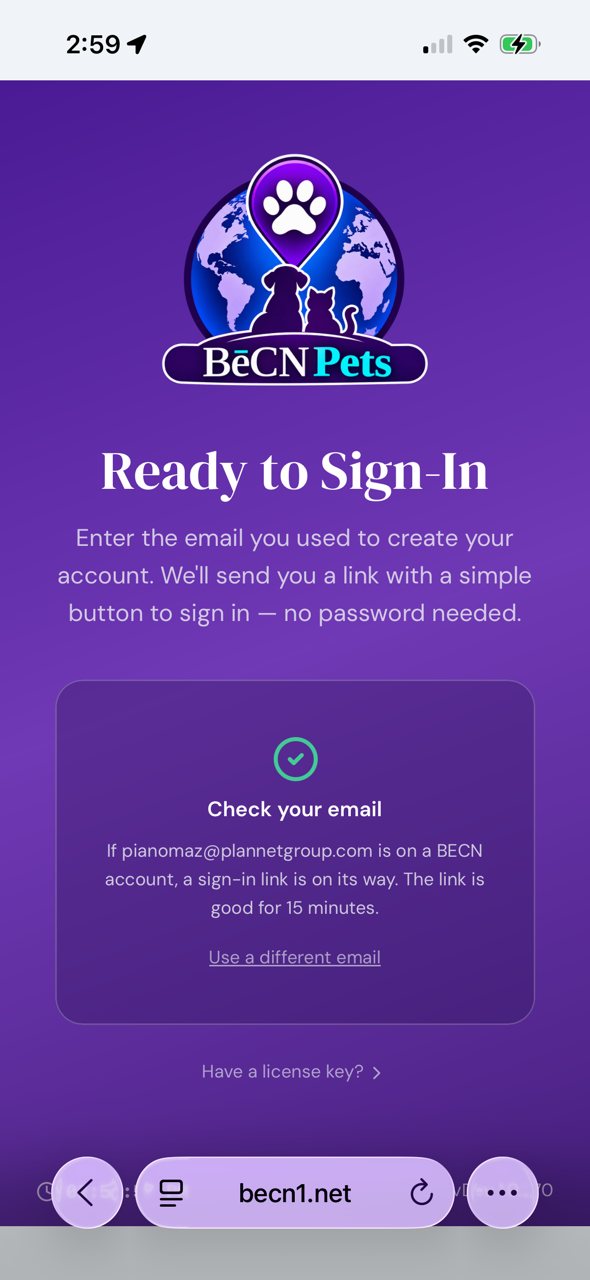
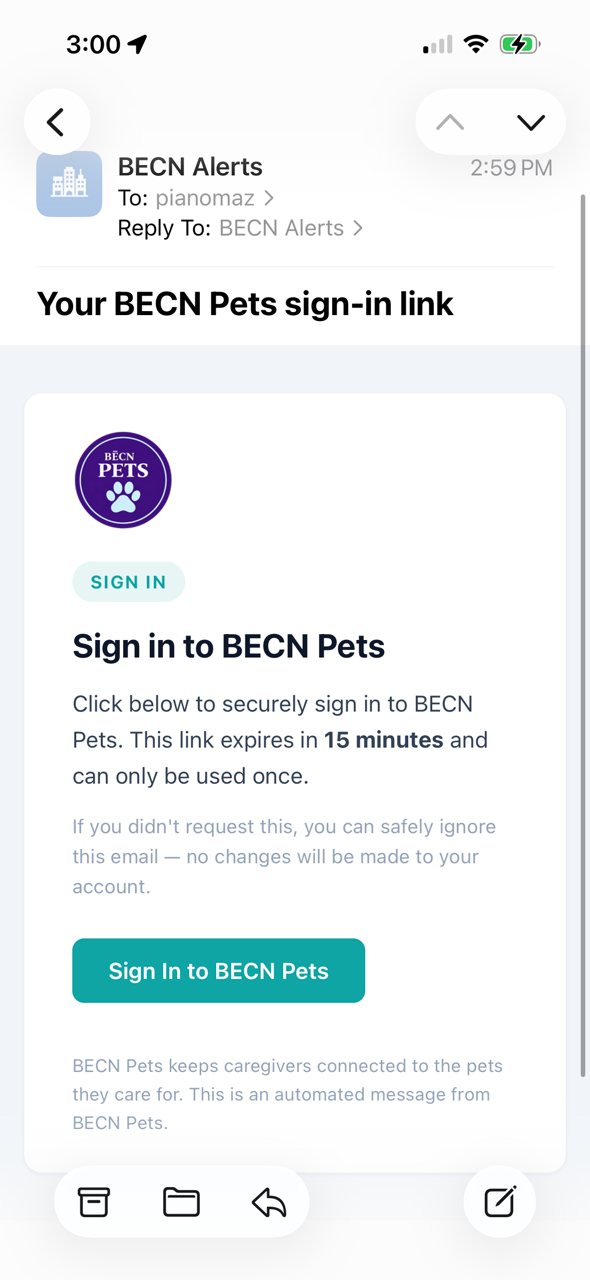
5 — Open the email and tap the button. Look for a message from BēCN Alerts and tap Sign In to BECN Pets.

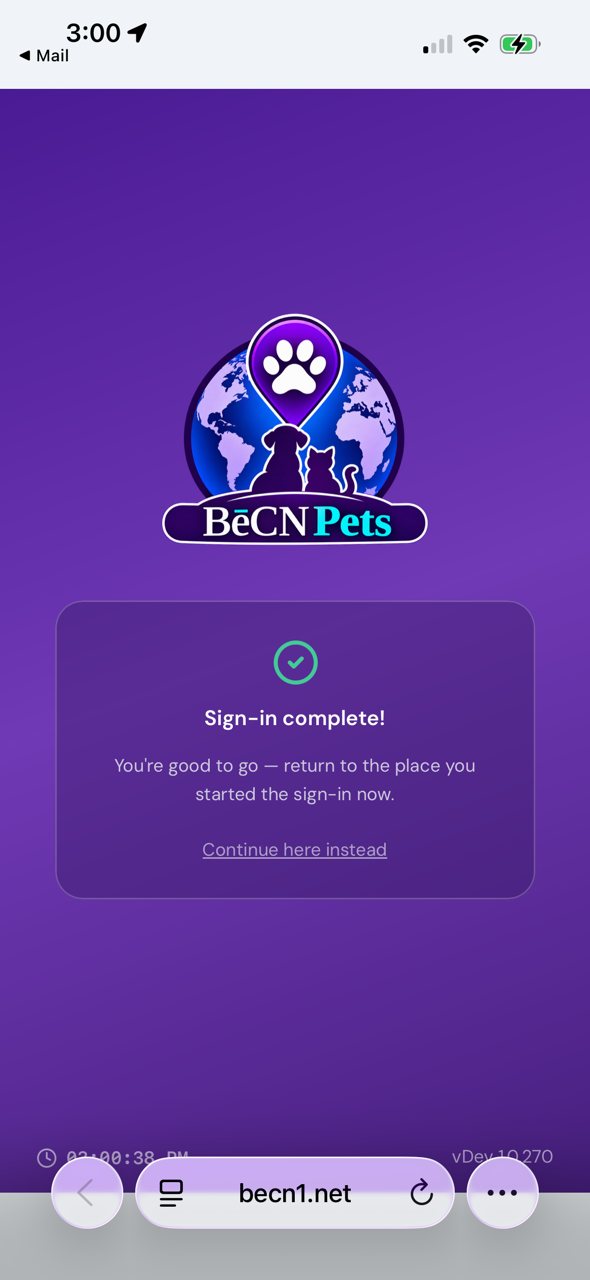
6 — You're in.
A note on staying signed in
You will stay signed in on your own phone. You only need the email link when you sign in on a new device, or after you have signed out.
What happens next
You will land on your pet's home screen. Your pet's home screen →
Related pages
- Create your account
- Frequently asked questions — sign-in problems
Still need help? Email support@becnpets.com or visit becnpets.com/support. We're a small team and we're glad to help.
Most questions are answered in the frequently asked questions.